It is often difficult to tell how hard developers are working to non-IT folks. Usually, I try to let them watch Gource.
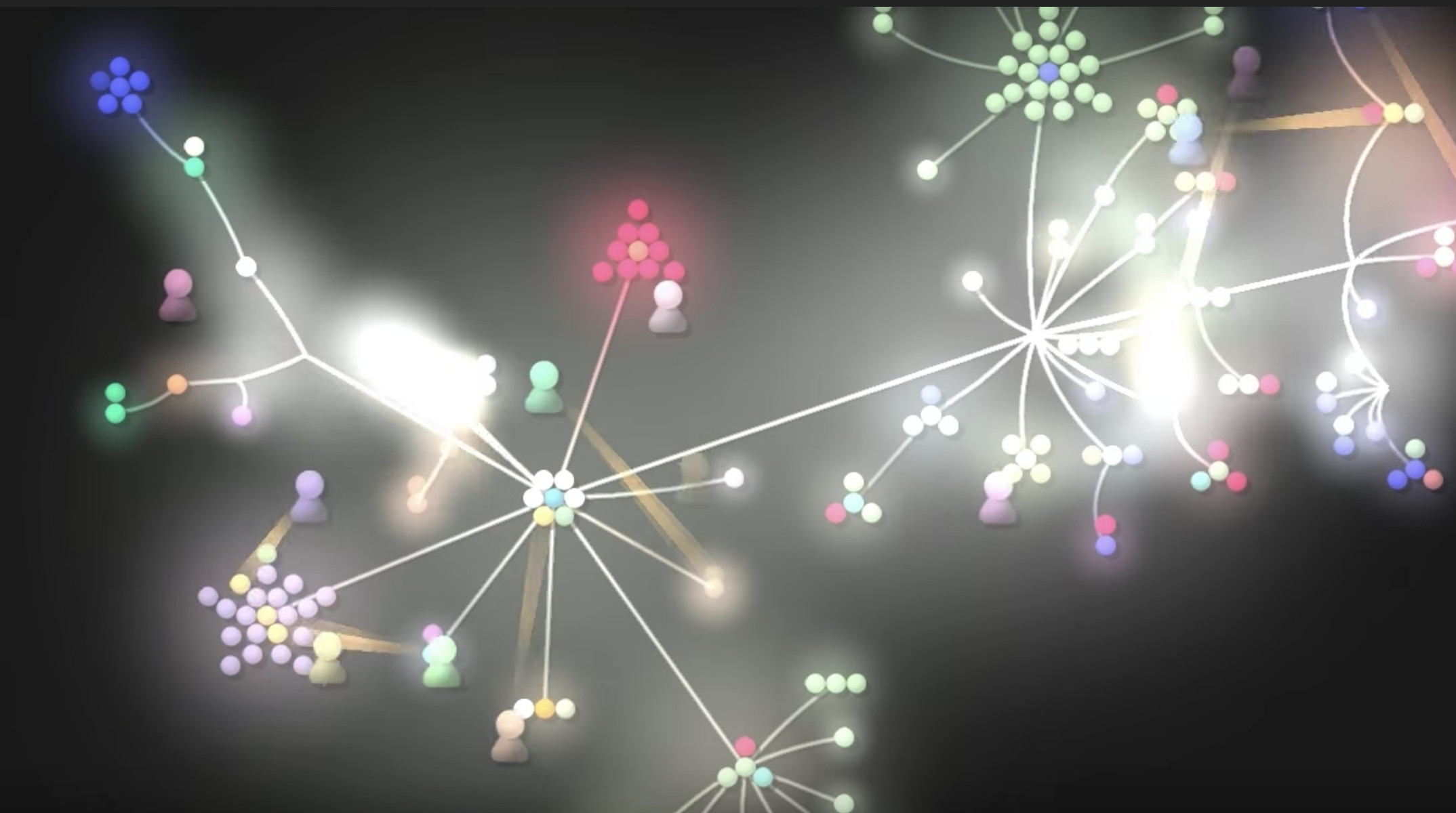
Setting up Gource on Mac is not difficult, but it has several steps. First, you have to have Brew installed. Then, run the commands below from Terminal,
# install wget if you don't have
brew install wget

# gsource dependency
brew install glew
brew install pkg-config
brew install sdl2
brew install sdl2_image
brew install boost
brew install glm
brew install pcre

# download and build Gource
wget https://github.com/acaudwell/Gource/releases/download/gource-0.47/gource-0.47.tar.gz
tar vfxz gource-0.47.tar.gz
cd gource-0.47
./configure

# assume no error from configure
make install
The binary will install into /usr/local/bin/gource. Run the command below to generate the video from a directory with a Git repository
cd [your git repository]
/usr/local/bin/gource
You can replace the default icon with yours by renaming your avatar to the Git author name such as “Your Name.png” as in the Git log, place it in the local directory, and run the Gource command below
/usr/local/bin/gource --user-image-dir .If you feel the video is too long, you can adjust the speed by changing the simulation time scale (default: 1.0) with -c, --time-scale, or SCALE.
You can make your video less messy by reducing the maximum number of files from unlimited to a value such as 100 with --max-files NUMBER
Adding elasticity is fun with -e 0.5 when a large number of files are being added or deleted.
More information can be found in Controls
The video can be output to a file with the option -o FILENAME. The file size can be over 10GB for a 1-minute video, so beware.
After the video is generated, you can use libav to convert it to MP4,
brew install libav
avconv -vcodec ppm -f image2pipe -i gource.ppm -c:v libx265 -c:a copy gource.mkv
Gource of my blog: {% youtube iZiZ4CaDkcM %}
Comments
Please accept the "Functionality" cookie category to view and post comments.
Comments failed to load. You can try again or view the discussion directly on GitHub.
View on GitHub